Play Training
Key Features
Introduction 1 of 7
The Next Generation of Presentation Tools
Discover the exciting and innovative features that propel presentations in Vision VX to new heights of effectiveness and engagement. VX presentations stand as dynamic, cloud-based materials that seamlessly adapt to and reflect the essence of your campaigns within Vision VX. Fully editable, customizable, and precision-tailored, these presentations offer a suite of features that elevate the presentation experience to a realm of unparalleled interactivity.
 Related How To Guides:
Let's Dive into the Core Features of Vision VX Presentations:
Slides
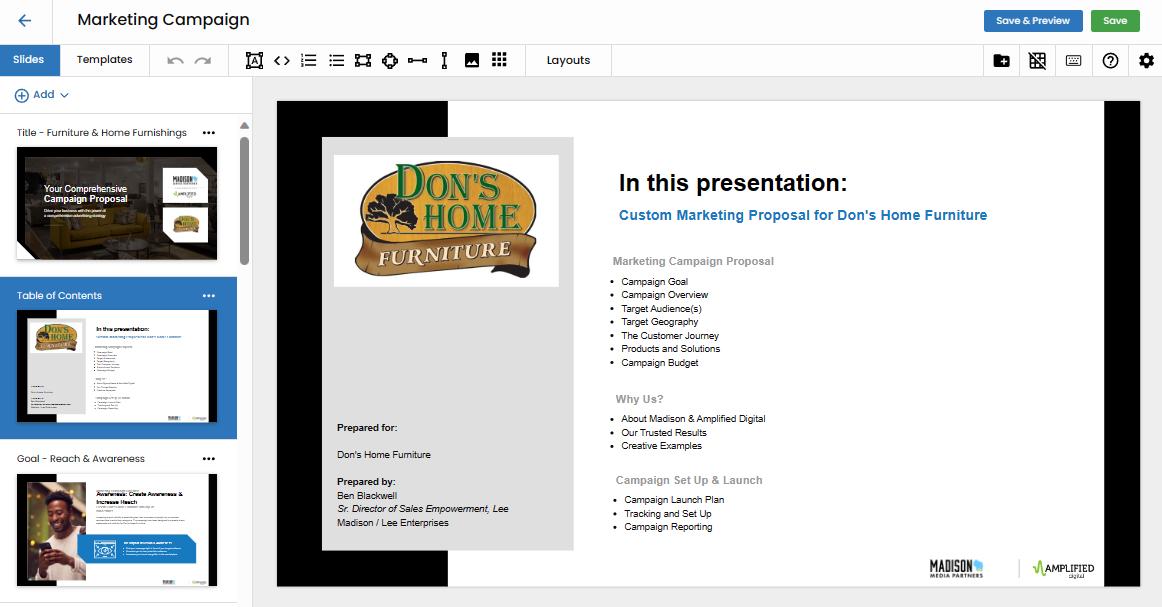
The slide functionality mirrors the versatility of tools within PowerPoint or Google Slides. Fully editable and capable of adopting multiple layouts, VX slides empower users to craft dynamic presentations. These slides can be customized and saved for individual reps, selling groups, or the entire company, ensuring flexibility in presentation creation.
Templates
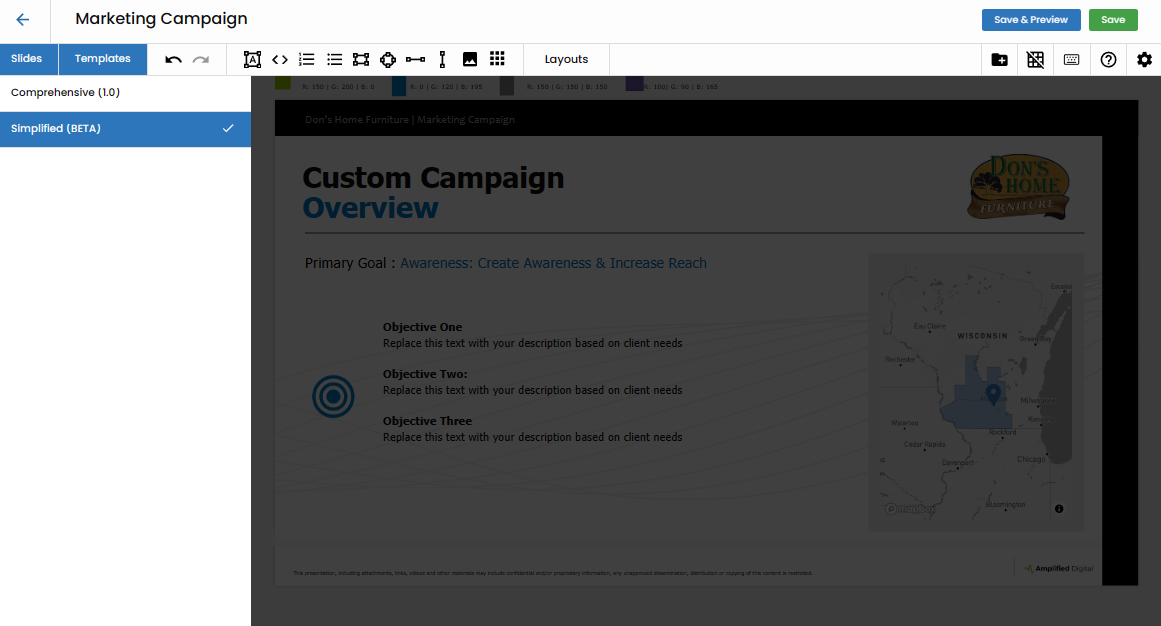
Templates wield transformative power, altering the overall aesthetic of VX proposals. The default template, "Comprehensive," sets a robust standard, with ongoing development introducing additional templates like the currently in BETA "Simplified Template." Templates provide a cohesive visual identity to your presentations.
Layouts
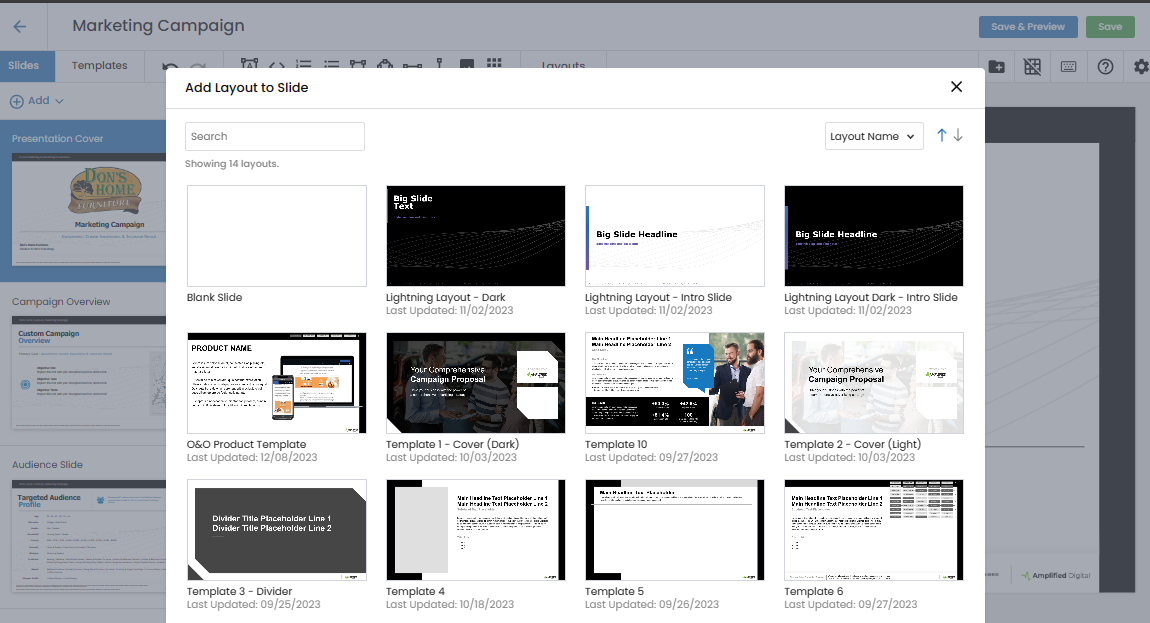
Layouts dictate the design elements within a slide, influencing text type, alignment, and font choices. Applied to new slides or used to update existing ones, layouts bring a consistent design language to the presentation.
Editing Tools
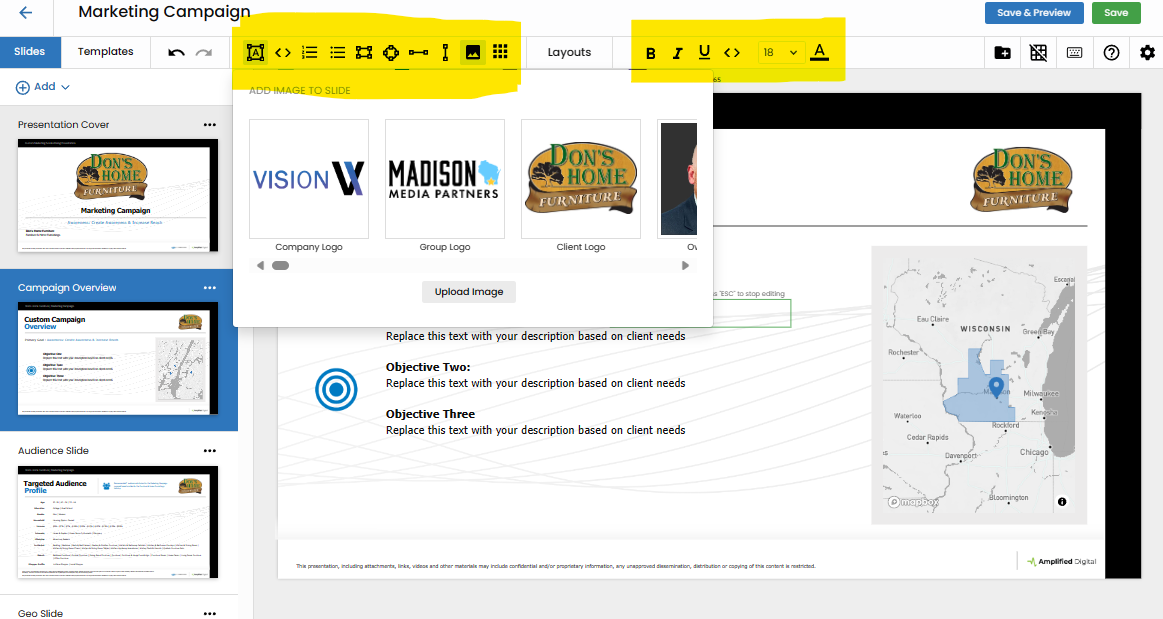
VX Presentations are equipped with a rich arsenal of editing tools, encompassing text, images, and shapes. These tools provide users with the flexibility to refine and enhance the visual aspects of their presentations.
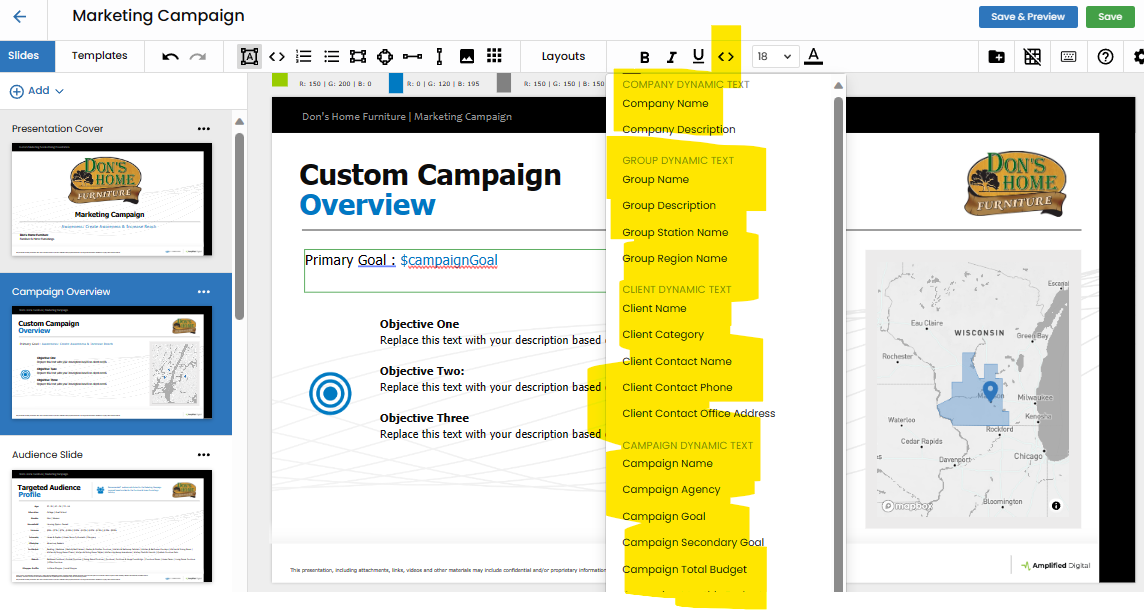
Dynamic Text
Introducing the game-changing feature of Dynamic Text, Vision VX ensures a heightened level of personalization. Dynamic Text automatically incorporates information from your campaign or client, delivering presentations that resonate on a more individualized level.
Presentation URL
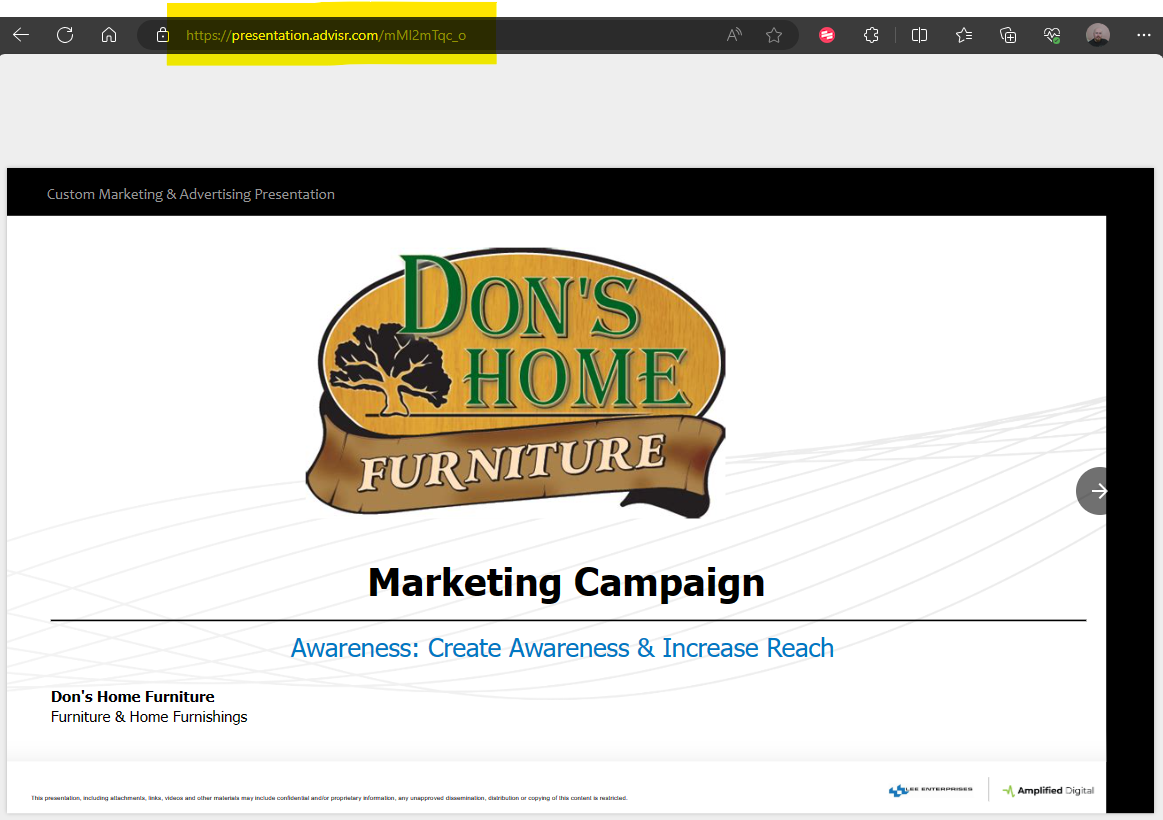
Embracing the cloud-based nature of VX, every presentation comes with a LIVE URL. This dynamic link updates in real-time as changes are made to the proposal, providing an essential feature for sharing and collaborating on presentations with clients.
Presentation Activity
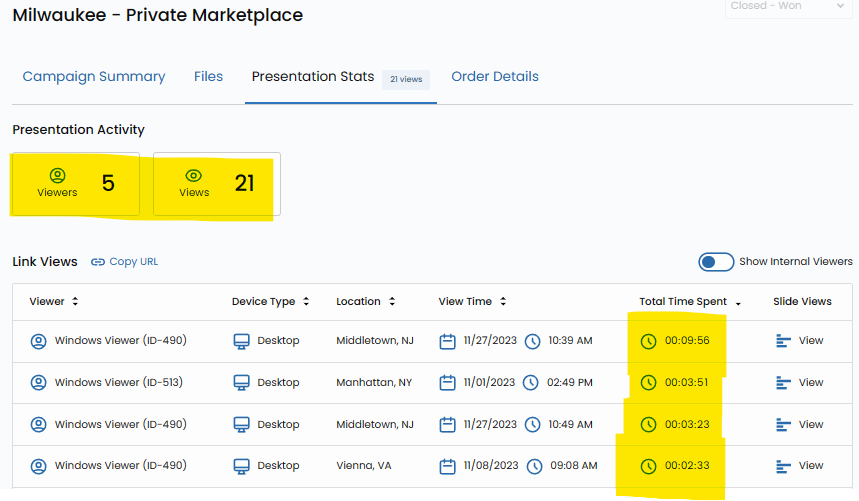
Gain insights into client engagement through Presentation Activity. This feature allows users to track client interactions, including when the presentation is opened, which slides are read, and the duration spent on each. It empowers users with valuable data to refine and tailor future presentations.
In Conclusion
These key features collectively define the power of Vision VX presentations. Beyond static materials, these interactive, cloud-based presentations not only streamline the creation process but also offer a comprehensive suite of tools for personalization, collaboration, and insightful analytics. Vision VX presentations redefine the standards of engagement, ensuring that your proposals resonate dynamically with your clients. Elevate your presentation game with Vision VX, where innovation meets impact in the world of interactive proposals.