Play Training
Log into TapClicks
Number of Guide Steps: 4
Logging into TapClicks, also known as Amplified Reports, is a straightforward process that involves a few simple steps.
Here's a step-by-step guide to help you access TapClicks seamlessly:

- 1. Navigate to the Login Page
- 2. Choose Lee User Single Sign-On Link
- 3. Enter Your SSO Information:
- 4. Authenticate and Access TapClicks
Navigate to the Login Page.
Open your preferred web browser and go to the TapClicks login page by typing or copying the following URL into the address bar: https://login.amplifiedreports.com
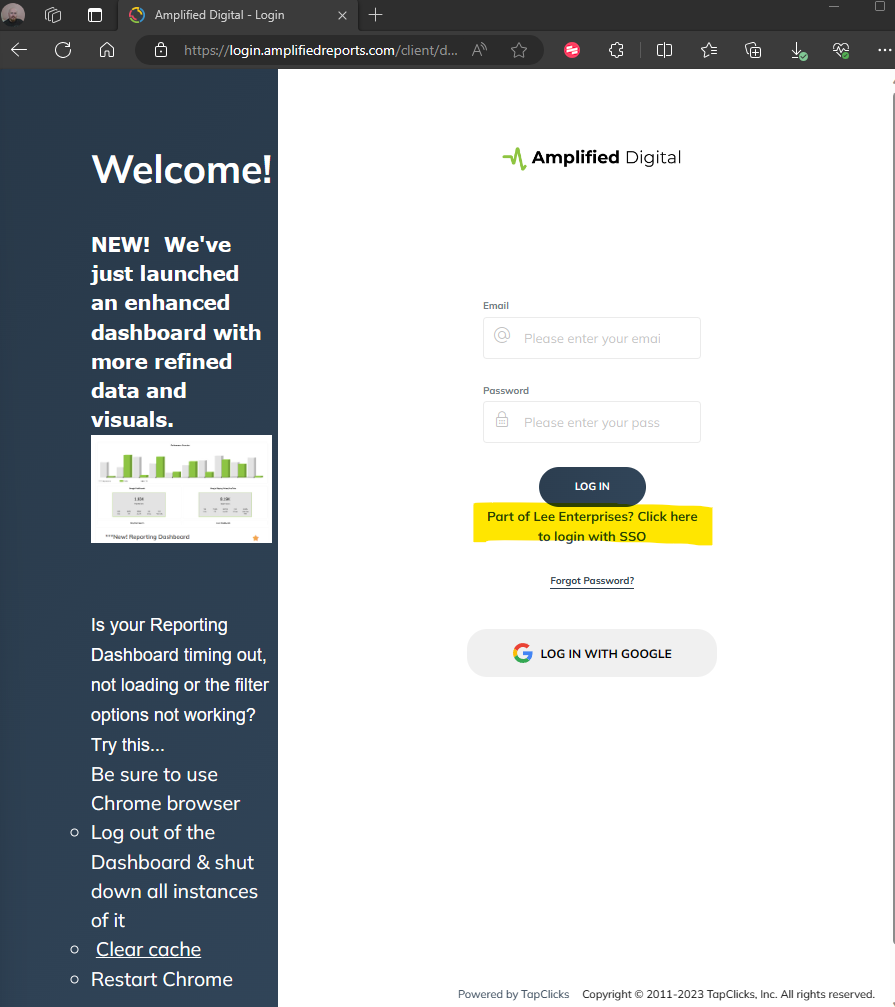
Choose Lee User Single Sign-On Link.
On the TapClicks login page, look for the option that says "Lee User Single Sign On Link." Click on this link to proceed with the Single Sign-On (SSO) authentication.
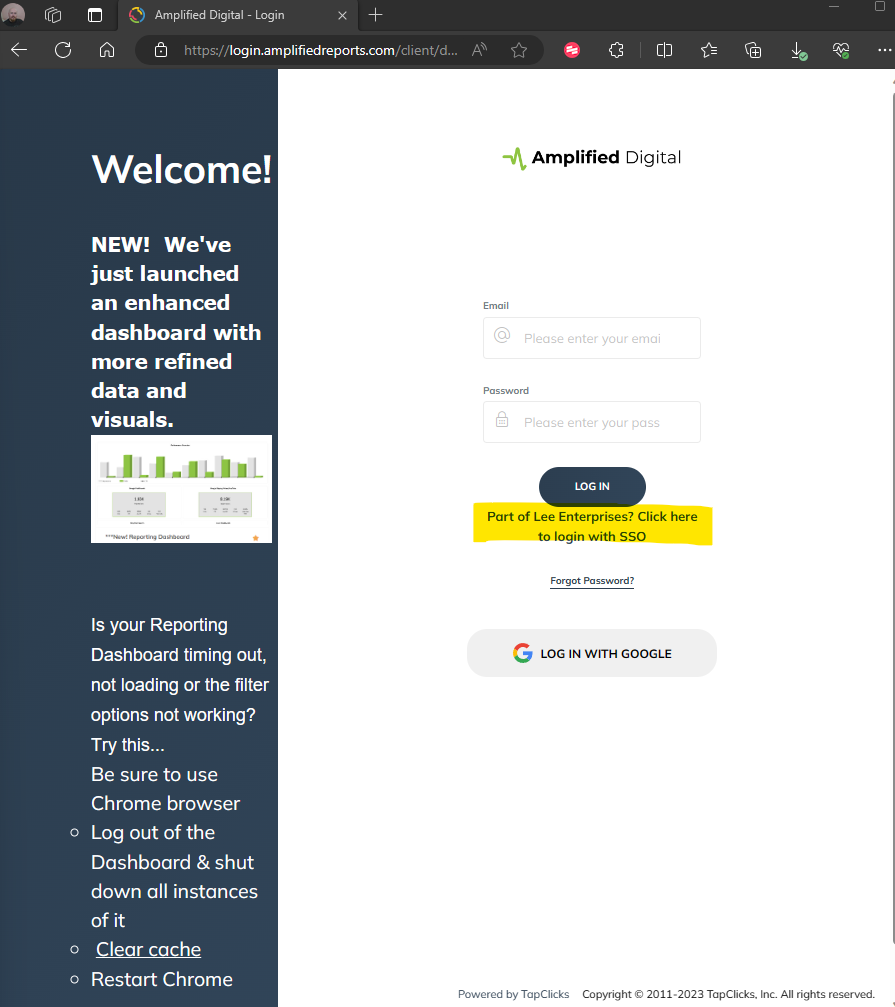
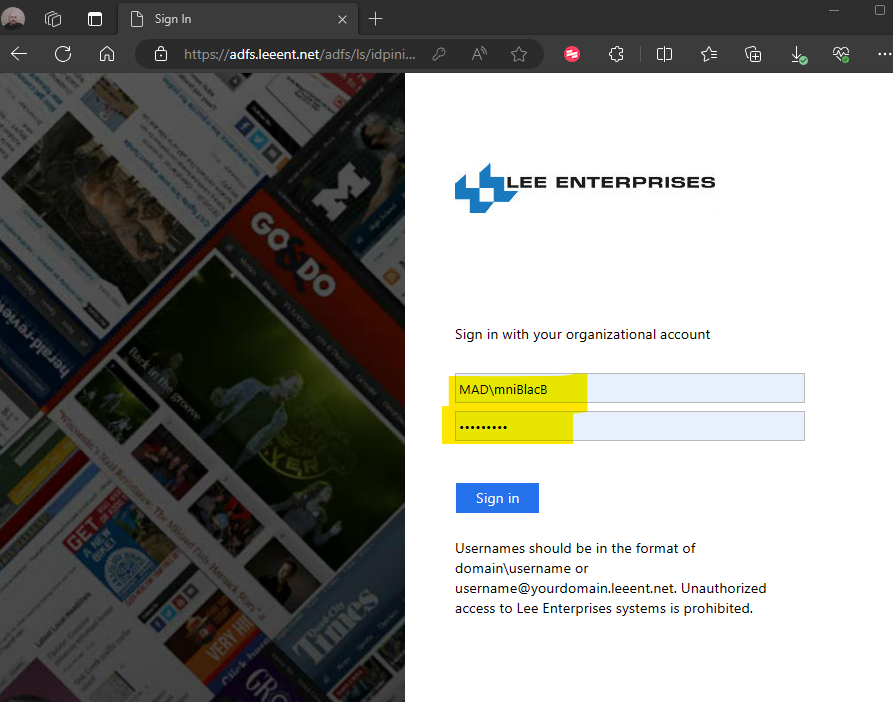
Enter Your SSO Information:.
You will be redirected to the Single Sign-On (SSO) page where you need to enter your SSO information. This typically includes your login credentials, such as your username and password.
Authenticate and Access TapClicks.
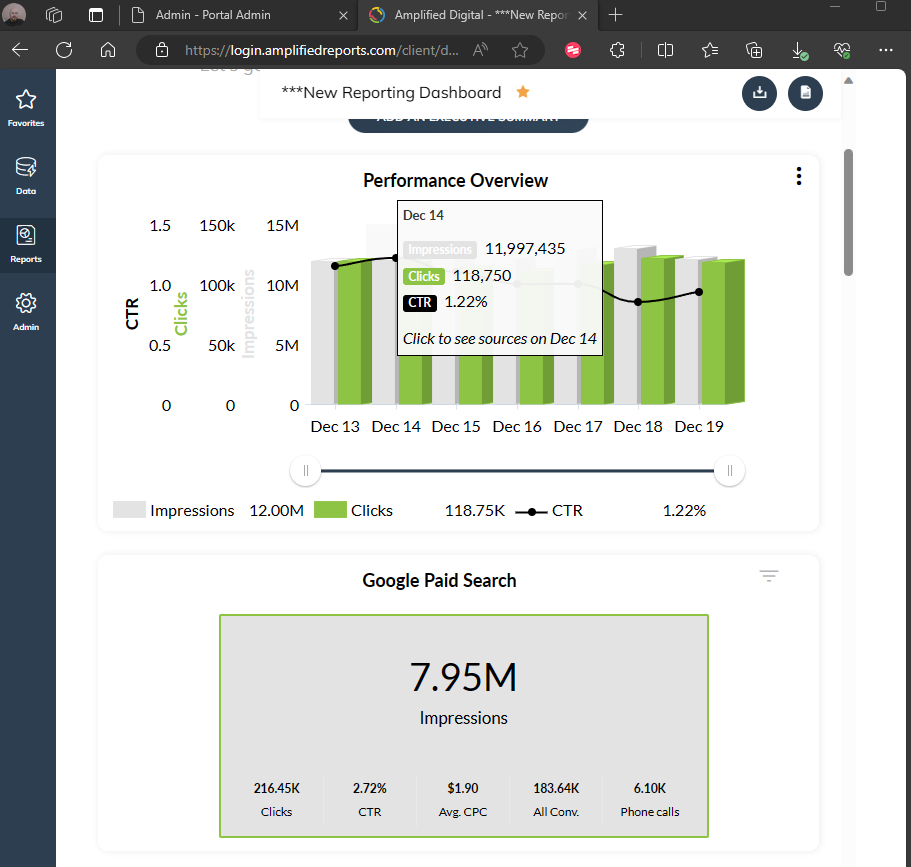
After entering your SSO information, proceed to authenticate. Once the system verifies your credentials, you will be granted access to TapClicks, where you can explore, analyze, and generate reports.
Logging into TapClicks through the Lee User Single Sign-On Link streamlines the authentication process, providing a secure and efficient way for users to access the Amplified Reports platform. This user-friendly approach ensures quick and hassle-free entry into TapClicks for comprehensive reporting and analytics functionalities.