Play Training
How to Handle Google Advertiser Verification
Number of Guide Steps: 5
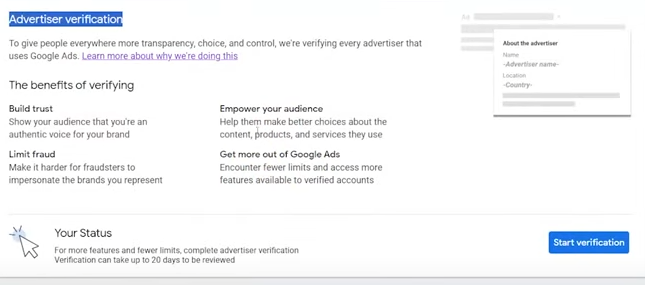
Google Advertiser Verification is a pivotal measure introduced by Google to uphold the integrity and security of its advertising ecosystem. This initiative is driven by the dual purpose of creating a safe space for users and aligning with emerging regulations. Advertisers are now mandated to participate in one or more verification programs to ensure compliance and maintain a trustworthy advertising environment.

- 1. Verification Notice from Affinity X
- 2. Send Notice to Advertiser
- 3. Direct Clients to Google Documentation
- 4. Ensure Clients Upload Document to Secure Drop Box
- 5. Stay Looped In to the Process
Verification Notice from Affinity X.
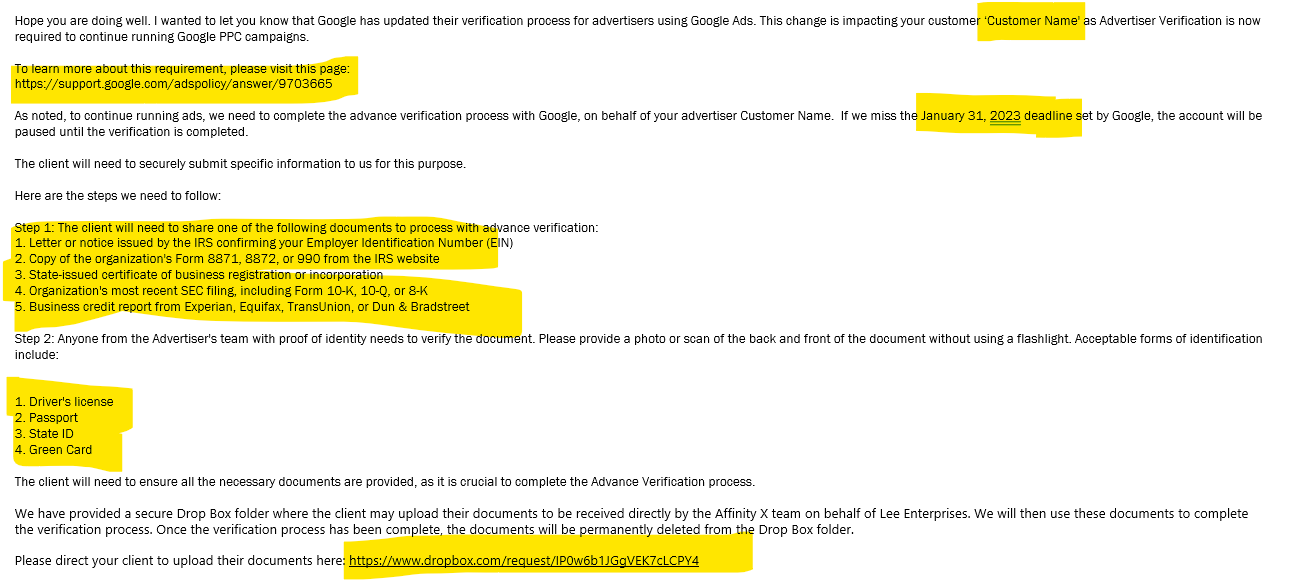
To navigate the landscape of Google Advertiser Verification, it is crucial to identify whether your advertiser is impacted. This can be determined through alerts provided by Affinity X Digital. Affinity X will send detailed notifications via email, offering insights into the verification requirements and the subsequent steps to be taken.
You'll notice details in the email surrounding the affected Advertiser, including the deadline for Verification and the documents required. As well as the private, secure link to upload their documents.
Send Notice to Advertiser.
It is highly recommended to maintain transparency and keep clients informed about the Google Advertiser Verification process. One effective way to achieve this is by taking a copy of the email received regarding the verification and promptly forwarding it to the client. This ensures that clients are aware of the situation, understand the steps involved, and are prepared to comply with the verification requirements.

Direct Clients to Google Documentation.
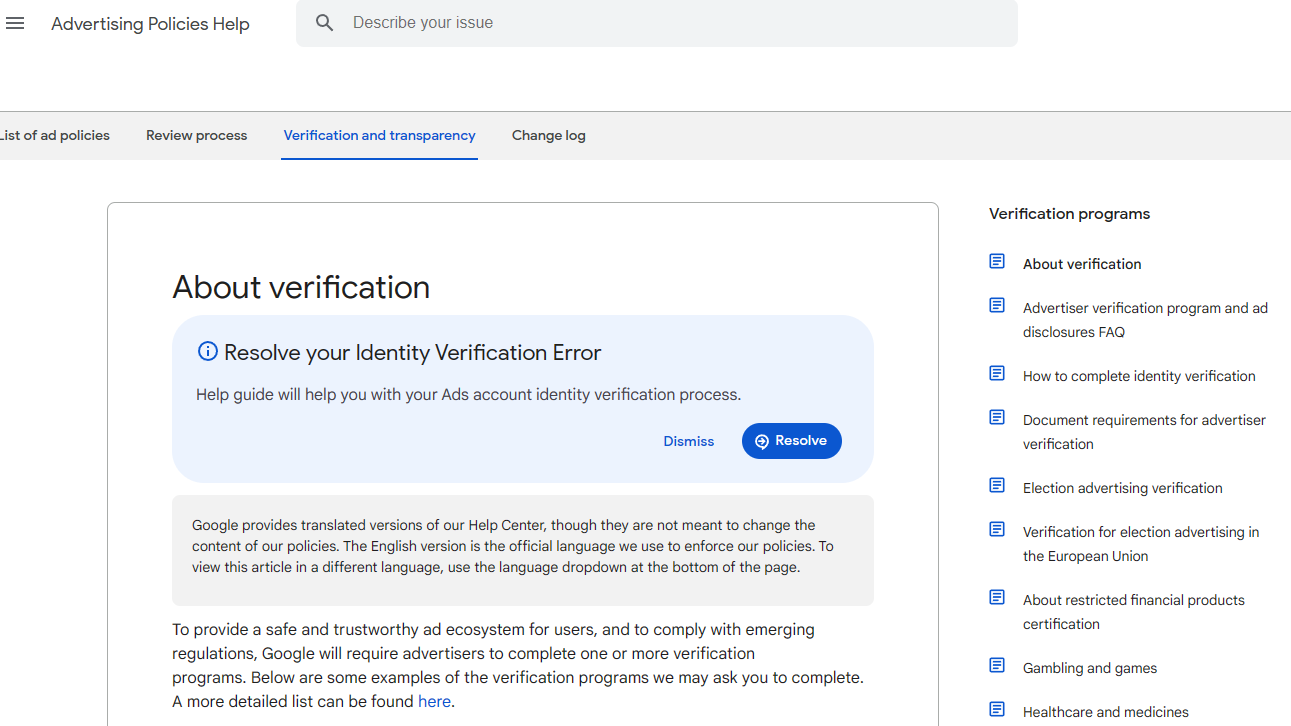
Empowering clients with information is crucial during the verification process. The provided Google page provided here serves as a comprehensive resource detailing the verification process. Clients should be directed to this page to gain a thorough understanding of what is expected from them, the required documents, and the overall timeline. This self-help resource enables clients to navigate the process independently and efficiently.
https://support.google.com/adspolicy/answer/9703665
Ensure Clients Upload Document to Secure Drop Box.
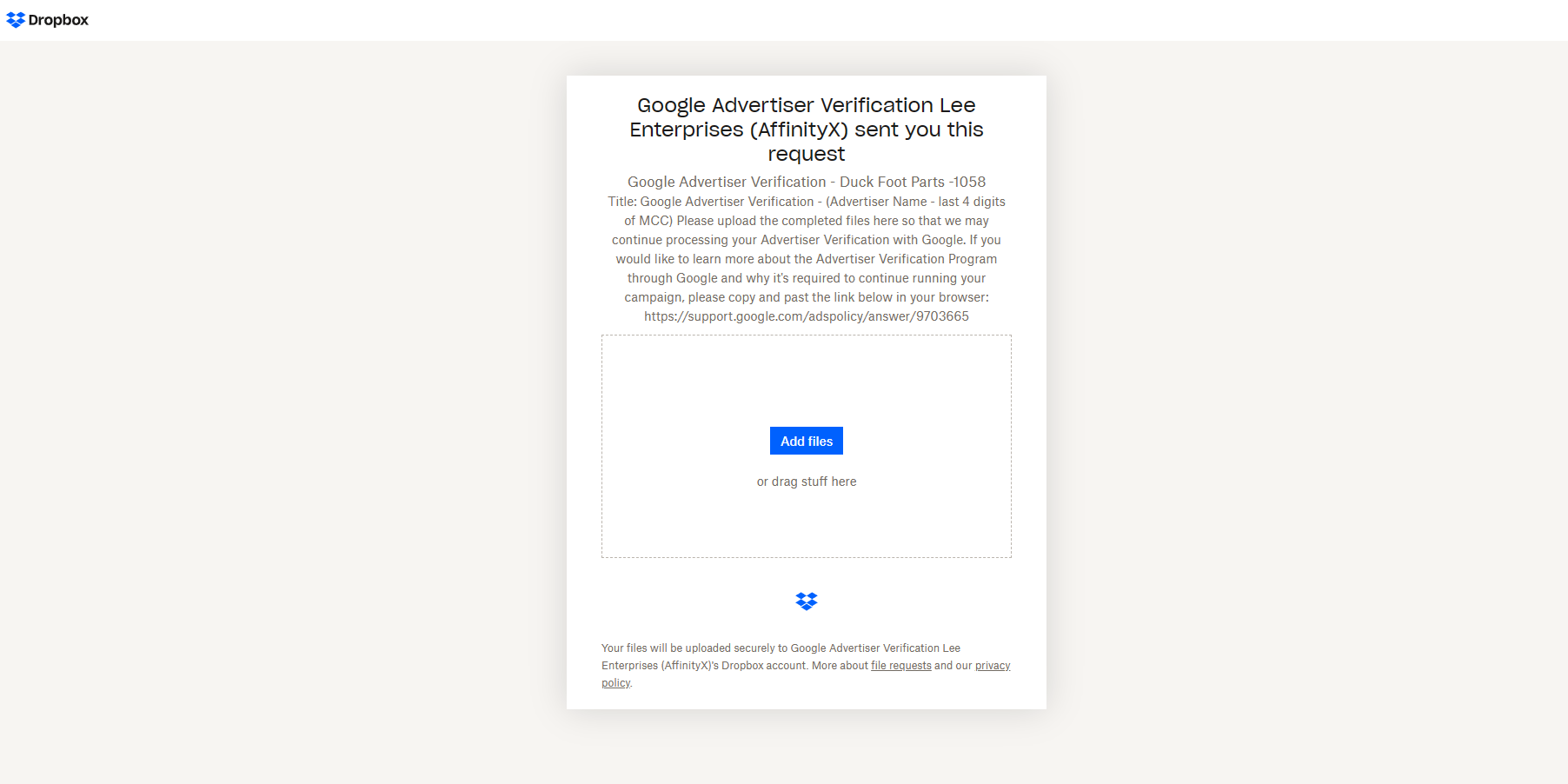
Upon notification that an advertiser requires verification, Lee Sales are promptly alerted. In response to this notification, a secure Dropbox link is provided via email to the client. This link serves as a secure channel for the client to upload the required verification documents. The use of a secure platform ensures the confidentiality and integrity of the sensitive documentation throughout the verification process.
Please encourage your client to promptly provide their documents.
Stay Looped In to the Process.
Keep in touch with your AX fulfillment team member during this process via fulfillment@visionvx.com